
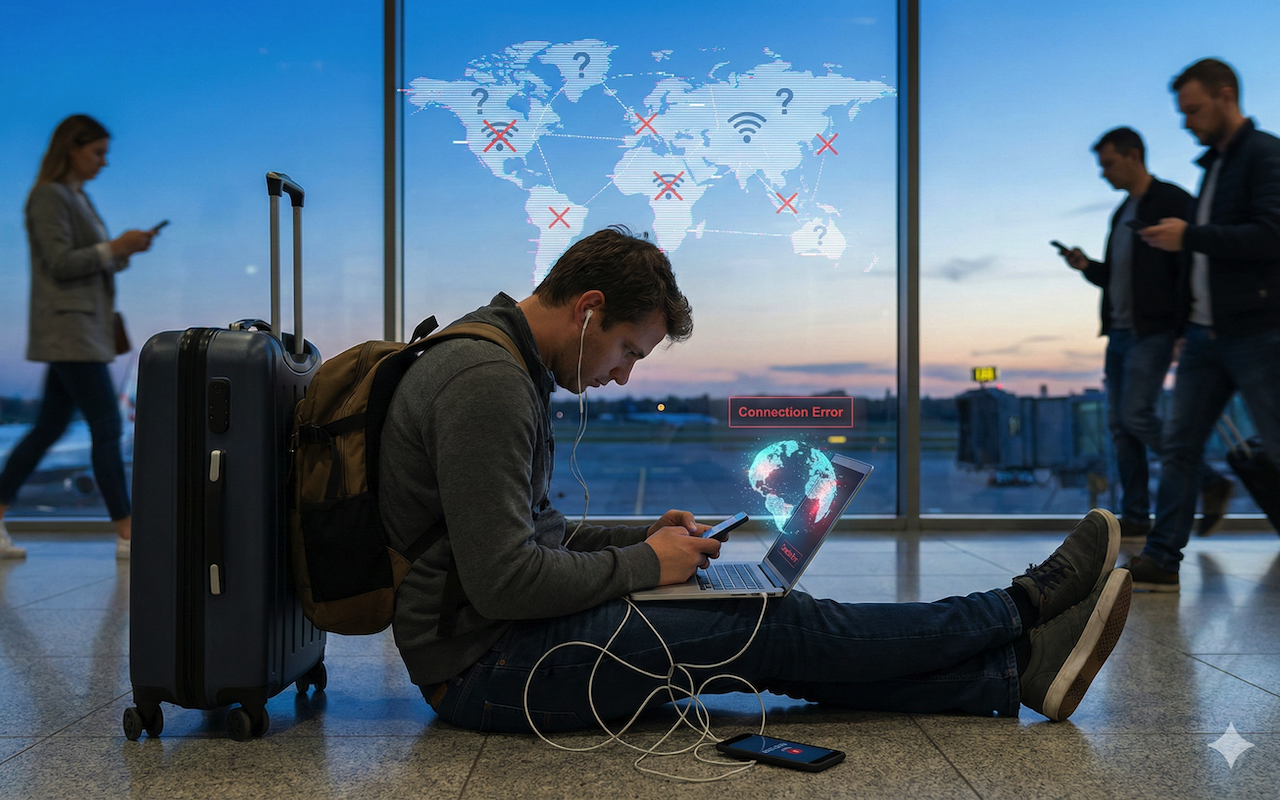
Most people only think about the obvious travel problems. Delayed flights, lost bags, the usual. But the stuff that actually trips people up tends to be much quieter. A glitchy Wi-Fi network, an app that refuses to open because it thinks you’re someone else, or a phone that suddenly won’t receive a security code. The sort of thing you don’t even think about until you’re standing in an airport line, sweating over a login screen that worked fine at home.
I’ve watched this happen to friends over and over. Someone checks one email on an airport hotspot and spends the next afternoon trying to get their bank back. Or they arrive at a hotel after midnight, completely frazzled, only to discover the Wi-Fi keeps kicking them off, and their roaming isn’t playing nice either. It’s one reason people still talk about basics like international travel insurance. You can plan everything to the inch and still get hit by something painfully mundane.
Remote workers feel it even more. If you’ve ever tried to do a bit of work from a beach town or an Airbnb somewhere unfamiliar, you already know how quickly “I’ll just send this one file” can turn into an hour of troubleshooting. Plenty of guides on security while traveling hint at this, too. The moment you cross borders, your devices start behaving like they’re unsure of who owns them.
1. Public Networks That Pretend To Be Innocent
Everyone jokes about airport Wi-Fi being terrible, but the bigger issue is that it’s unpredictable. You join the network, your device happily connects, and behind the scenes, there’s a mess of old routers, shared passwords, random guests, and sometimes even fake hotspots someone tossed up to snoop on the traffic.
Picture someone in a hotel bar with their laptop open. They just want to upload a photo or two. They’re tired, the connection is weak, and they start hopping between the hotel network and their phone’s hotspot. In that little shuffle, you get bits of data exposed in strange ways. HTTPS helps, but it doesn’t magically clean up what your device broadcasts when it’s trying to connect or sync in the background.
Some travelers carry their own tiny routers. Others rely on mobile data and avoid hotel Wi-Fi altogether if they need to access anything important, like banking or cloud storage. And honestly, that’s not a bad mindset. Even if no one is targeting you, the network itself could be misconfigured in ways that leak enough information to cause problems later.
2. The Geolocation Issues Nobody Warns You About
The next headache usually comes from logins. You land in a new place, stretch your legs, open your phone, and try to check your email. Suddenly, you’re hit with verification steps that feel totally out of proportion. A lot of people assume it’s a one-time thing, but it can keep happening as you move around or switch between roaming and Wi Fi.
It’s all tied to how platforms use IP data to guess whether you’re really you. If you jump from one region to another too quickly, the system panics a little. And if you’re someone who flips your VPN on and off, or changes servers frequently, you create even more confusion. Services see you in one country at breakfast, another at lunch, and yet another when you get back to the hotel. Automatic fraud detection hates that.
This is why some people get locked out of their cloud access or banking apps. Not because anything bad happened, but because the system didn’t like how fast your digital footprint moved. Recovery codes help a lot. Offline backups help too. And letting a couple of key services know you’re traveling isn’t as old-fashioned as it sounds.
3. When Access Breaks, Everything Else Can Spiral
The last risk is the one you really feel. Losing access abroad can be an actual problem, not just a tech inconvenience. I once watched someone get stuck at a train station because the only copy of their ticket was in a notes app that refused to sync. No network, no login, no ticket. It sounds dramatic, but it’s ridiculously common.
The worst version is when you lose your phone or it gets stolen. Suddenly, you don’t have your second factor for anything. You can’t log in to your email. You can’t get into your bank. Your travel confirmations live somewhere behind authentication walls you can’t reach. And if you rely on apps for payments, that’s another layer of disruption you didn’t see coming.
It helps to keep a few old habits alive. Low-tech things like printing one or two key documents, or at least saving them offline. Keeping a second factor on a separate device. Jotting down recovery codes, even if it feels unnecessary. The same mindset that makes people check travel advice pages or browse topics related to travel before a big trip applies here too. You’re trying to reduce how many things can break at once.
Wrapping Up
Most of the tech trouble people face while traveling starts small. A network that feels slightly off. A login challenge that keeps looping. A phone that doesn’t sync when it should. You don’t notice the trend until you’re locked out of something important at the worst possible moment.
A handful of simple habits make everything run more smoothly. Treat your digital setup the same way you treat your luggage and documents. Have a backup, a fallback, and a little patience for the weird quirks that pop up when your devices suddenly think they’re living somewhere new. And if nothing else, don’t assume the tech side of traveling will behave just because you planned the human side well—the two tangle together more than we think.
Featured Image generated by Google Gemini.
Share this post
Leave a comment
All comments are moderated. Spammy and bot submitted comments are deleted. Please submit the comments that are helpful to others, and we'll approve your comments. A comment that includes outbound link will only be approved if the content is relevant to the topic, and has some value to our readers.
Comments (0)
No comment