
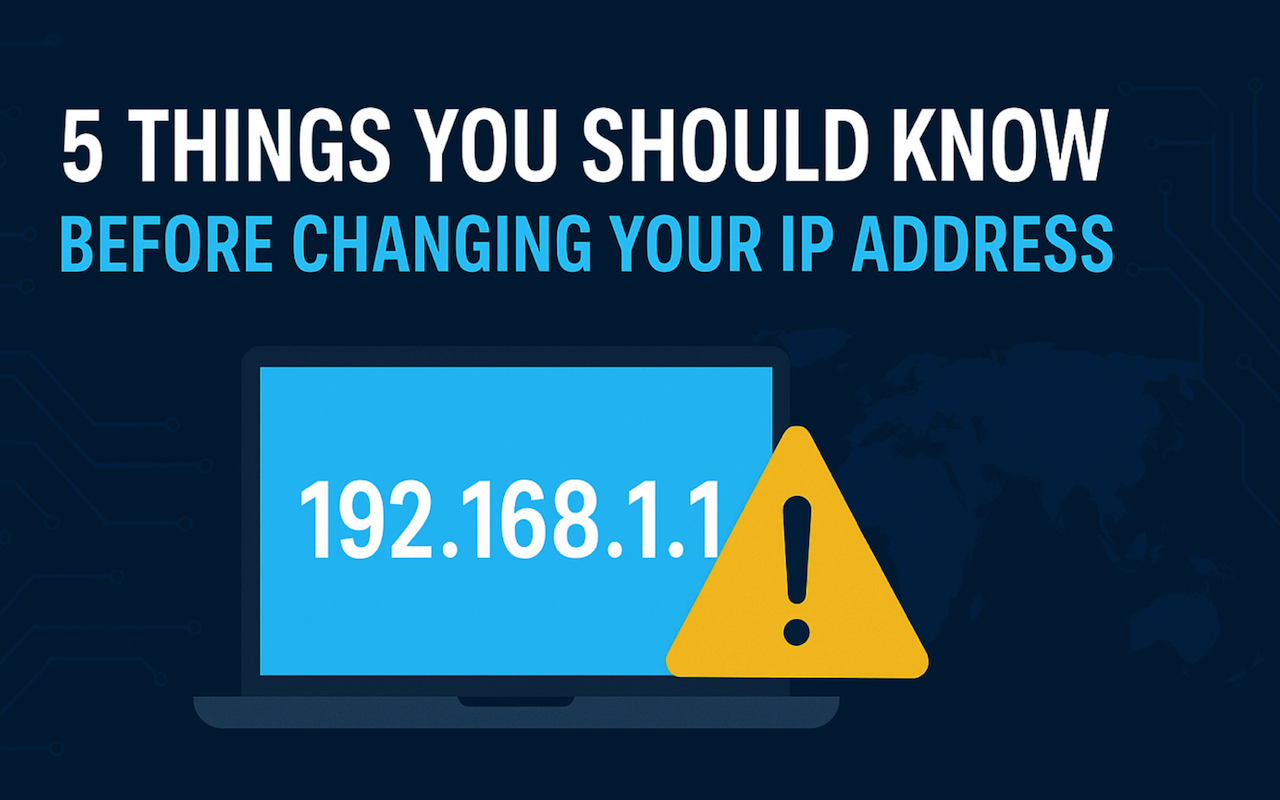
Ever wondered if changing your IP address will make you completely anonymous online? While it's true that switching your IP can give you a fresh digital identity, there's more to the story. Many people jump into IP-changing tools expecting total privacy or access to restricted content—but without understanding the full picture, they might expose themselves to risks or disappointments. Before you take any steps, it's important to know what changing your IP address can and can’t do. In this article, we’ll walk you through five key things you should understand so you can make smart, informed decisions—no tech skills required.
1. Changing Your IP Doesn’t Make You Invisible
Many people think that changing their IP address is like putting on an invisibility cloak. That’s a myth.
What Your IP Address Actually Does
Your IP address (Internet Protocol address) is like your home address. It helps websites and services know where to send the data you’ve requested. It's assigned by your internet service provider (ISP), and it typically reveals:
- Your approximate geographic location
- Your ISP name
- Your city or region
But your IP address doesn’t reveal your name, phone number, or exact address on its own.
What Changing Your IP Can and Can’t Hide
Changing your IP can:
- Help you appear as if you're in a different location
- Bypass some content restrictions
- Slightly improve your privacy in certain contexts
But it can’t:
- Make you completely anonymous
- Stop websites from tracking you via cookies or browser fingerprinting
- Hide your activity from your ISP (unless you’re using an encrypted connection)
Bottom line: Changing your IP helps, but it’s only one piece of the privacy puzzle.
2. Not All Methods Are Safe or Legal
Before you go searching for free IP changers, take a moment. Some methods can actually expose you to malware, slow speeds, or legal issues.
Common Methods to Change IP Address
Here are a few of the most-used methods, each with pros and cons:
| Method | Description | Safe? | Technical Skill Needed |
|---|---|---|---|
| VPN (Virtual Private Network) | Routes your traffic through a secure server | ✅ Yes | ❌ No |
| Proxy Server | Acts as an intermediary between you and websites | ⚠️ Depends | ❌ No |
| Mobile Hotspot | Switching from Wi-Fi to mobile data can trigger an IP change | ✅ Yes | ❌ No |
| Manually Restarting Router | Often changes IP if you have a dynamic IP | ✅ Yes | ❌ No |
| Using TOR Network | Routes traffic through multiple nodes for anonymity | ✅ Yes (but very slow) | ✅ Yes |
| IP Changer Apps (unknown sources) | Promises free IP masking | ❌ Risky | ❌ No |
Detailed Explanations for Each Method
VPN (Virtual Private Network)
Safety: High
Tech skill: None needed
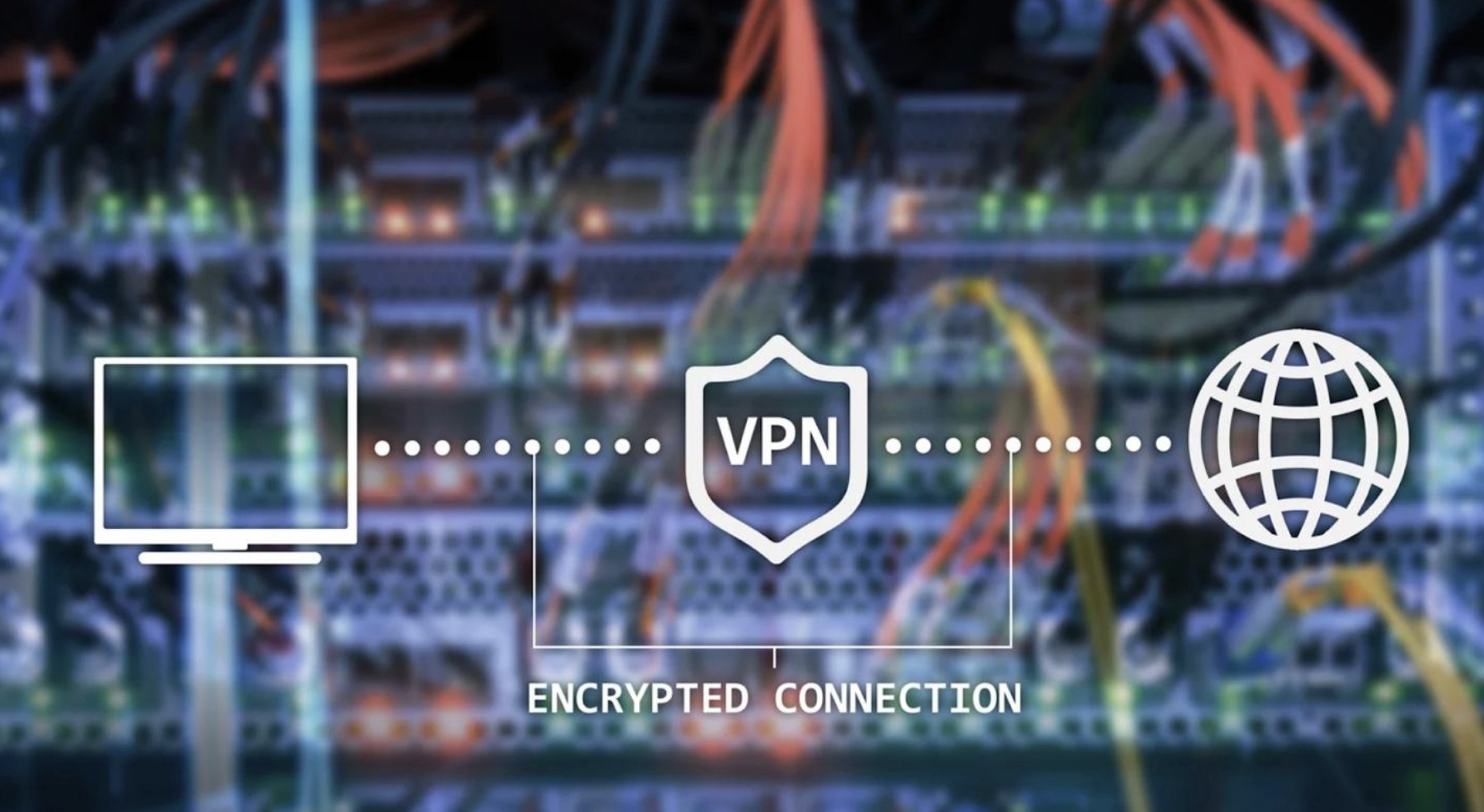
A VPN is one of the most effective and user-friendly ways to change your IP address. It encrypts your data and routes it through a secure server in another city or country, assigning you a new IP. It's widely used for privacy, security on public Wi-Fi, and accessing region-restricted content. Most VPNs are legal in many countries but always check local laws first.
Best for: Everyday privacy, secure browsing, accessing global websites
Proxy Server
Safety: Varies
Tech skill: Low
A proxy server acts as an intermediary between your device and the internet. It can hide your IP address but usually doesn't encrypt your data. Some proxies are transparent (and don’t actually hide your IP), while others may log your activity. Free proxies, especially those found online without vetting, can be slow, unreliable, or unsafe.
Best for: Basic IP masking but not recommended for sensitive use
Mobile Hotspot or Switching to Mobile Data
Safety: High
Tech skill: None needed
If you switch from Wi-Fi to your phone’s mobile data or use your phone as a hotspot, your device will usually get a new IP address. This method is safe and effective for a quick IP change, though it doesn’t offer any encryption or privacy beyond that.
Best for: Quick, simple IP refresh (e.g., avoiding a blocked IP)
Restarting Your Router
Safety: High
Tech skill: None needed
If your ISP assigns dynamic IP addresses, restarting your router may provide a new IP. However, this doesn’t work for everyone. Some ISPs use static IPs, which don’t change. It’s a harmless method worth trying if you're on a home network and want a fresh IP.
Best for: Home users with dynamic IPs
Tor Network
Safety: High (but speed trade-off)
Tech skill: Moderate
Tor is a free privacy tool that routes your internet traffic through a series of volunteer-operated servers (nodes). It offers strong anonymity but can be slow due to multiple relays. While Tor is legal in most countries, it’s blocked or restricted in some.
Best for: Maximum anonymity, bypassing surveillance or censorship
IP Changer Apps from Unknown Sources
Safety: Low
Tech skill: None needed
Be cautious with “IP changer” apps, especially if they’re not from official app stores. Many of these apps either don’t work properly, serve ads aggressively, or worse, contain malware, spyware, or tracking tools. They might promise a free IP change, but often at the cost of your data and security.
Best for: Not recommended—too risky for any use case
What to Avoid
Some IP-changing methods sound convenient but come with hidden dangers. Be especially cautious of:
- Free Proxies That Do Not Offer Encryption: They can expose your data to third parties
- Mobile Apps Not From Official App Stores: Many carry malware or trackers
- IP Spoofing or Tampering With System Files: This may violate terms of service or even local laws
Quick tip:
If your goal is better privacy, bypassing restrictions, or avoiding tracking, always choose well-established, secure, and legal tools. Don’t sacrifice your safety for convenience.
3. Your Location Still Matters (Sometimes)
Even if you change your IP address, certain websites and apps may still know where you are.
How Websites Detect Location Beyond IP
Some advanced platforms use other data points to guess your location:
- Browser language and settings
- GPS (on mobile devices)
- Wi-Fi and Bluetooth scanning
- Time zone settings
This means that even after changing your IP:
- Streaming services like Netflix or Hulu might still block you
- Banking apps may flag login attempts from new locations
- Some websites use multi-layer detection and block suspicious activity
What You Can Do About It
If you're changing IPs to access content or services:
- Make sure to clear cookies and cache
- Log out of accounts before connecting
- Use private/incognito mode
- Disable location services (on mobile)
These steps help align your new IP address with the rest of your device’s behavior.
4. Changing IP Won’t Solve All Privacy Problems
Even if you’ve masked your IP, you may still be tracked in ways you didn’t expect.
How You’re Still Being Tracked
Websites and advertisers use:
- Cookies: Small files that track your browsing habits
- Browser Fingerprinting: Unique patterns in your browser's settings
- Account Activity: Logging into your Google or Facebook account ties your activity to your identity, no matter your IP
Privacy = Layers
Changing your IP is step one, but a truly private session also includes:
- Using private browsing mode
- Blocking third-party cookies
- Using privacy-focused search engines (like DuckDuckGo)
- Disabling tracking scripts via browser extensions
If you're using a shared or public Wi-Fi network, also consider:
- Turning off auto-connect
- Avoiding logins to sensitive accounts
Think of IP change as one privacy filter, not a complete solution.
5. It’s Easier Than You Think—If You Use the Right Tool
One common misconception is that changing your IP is complicated or only for hackers. That’s not true anymore.
Built-In Options Are Limited
Some devices let you:
- Switch to airplane mode and back to refresh mobile IPs
- Restart your router (if your ISP gives you dynamic IPs)
- Use command-line tools to manually reset your network
These work but they’re often temporary, inconsistent, or limited.
Secure Tools Make It One Click
Many privacy tools now offer:
- Simple, one-click IP changes
- Options to switch locations across different countries
- Built-in encryption and security protections
While we won’t recommend any specific brand here, look for tools that are:
- Transparent about privacy policies
- Compatible with your device
- Reviewed by trusted sources
- Free of ads or suspicious permissions
Changing your IP today is as simple as tapping a button. Just make sure you're using a tool that respects your privacy.
Final Thoughts: Be Informed, Not Just Curious
Changing your IP address can unlock new content, offer better privacy, and give you more control over your online identity. But it's not a magic fix and if done without awareness, it can cause confusion or even reduce your security.
To recap, here’s what you should know:
- IP change helps, but doesn’t make you invisible
- Not all methods are safe, be cautious with free or unknown apps
- Some sites can detect your location through other means
- Privacy online is multi-layered, not just about your IP
- With the right tool, changing your IP is easier than ever
Take the time to understand how it works, why you’re doing it, and what to expect—and you’ll stay ahead of the curve in protecting your digital life.
Share this post
Author

Read the latest articles from Thomas Lore
The Best AI Detector Tools in 2025: A Complete Guide to Choosing the Right Checker
November 30, 2025
In the era of advanced generative models, content verification has never been more critical. Whether you’re a publisher, marketer, educator, or SEO specialist, having a reliable checker ai detector is essential to ensure authenticity, prevent plagiarism, and maintain credibility. As AI writing tools continue to [...]
Learn moreHow Digital Coupons Are Changing Consumer Habits in the Global Market

November 20, 2025
As online shopping becomes a dominant force in the global economy, digital savings tools are shaping the way consumers evaluate products, choose retailers and manage their budgets. One of the most transformative trends is the rise of online discount platforms that aggregate promotions from thousands of brands, gi [...]
Learn moreLeave a comment
All comments are moderated. Spammy and bot submitted comments are deleted. Please submit the comments that are helpful to others, and we'll approve your comments. A comment that includes outbound link will only be approved if the content is relevant to the topic, and has some value to our readers.
Comments (0)
No comment