
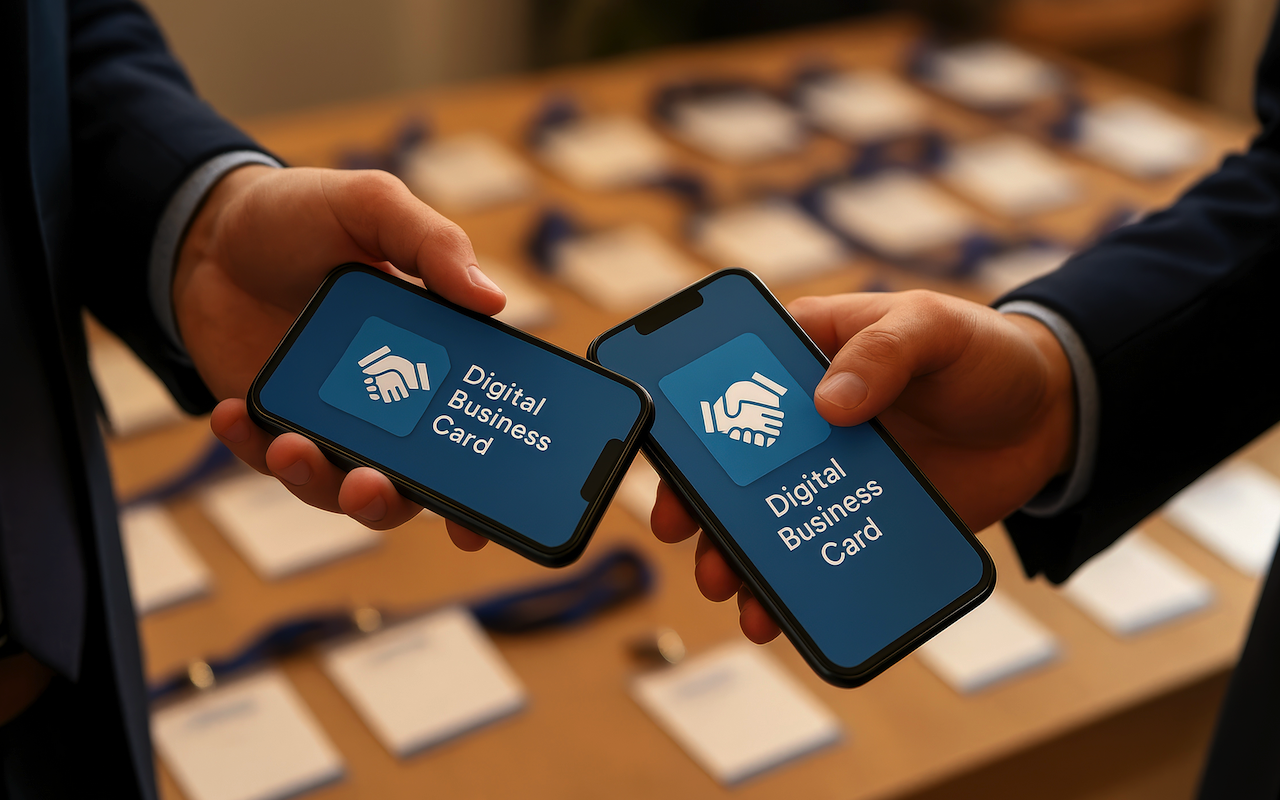
Business cards have always been a quick way to share contact details. Paper versions, however, often feel outdated. A digital business card offers a modern way to share information while reinforcing your brand identity. With built-in features like QR codes, NFC compatibility, and smart interactive elements, digital cards help you stand out and make lasting impressions. They also streamline networking, making it faster, easier, and more effective in today’s connected world.
Why Digital Business Cards Matter for Branding
Brand identity depends on how people see and remember you. Digital business cards make it easy to leave a lasting impression while keeping your information within reach. Let’s look at how they compare to paper cards and why they support your brand.
Traditional Cards vs. Virtual Business Cards
Paper cards get lost or tossed away, which often makes networking less effective. Many professionals want a way to share details that won’t be misplaced or quickly forgotten. That’s why online business cards are becoming a better choice, since they stay stored on a phone or computer and can be updated anytime. This means your contacts always have the right details.
How Digital Cards Improve First Impressions
A well-designed card with your logo, colors, and layout shows professionalism. It highlights your style too, which makes you easier to remember.
The Role of Contact Sharing in Building Trust
Digital cards make sharing instant with QR codes or NFC taps. This shows you care about convenience. It can also leave a positive impression when meeting new contacts.
Key Features That Strengthen Your Brand

The best part of a digital business card is the range of customization options. From logos to social media links, these features help your card match your brand identity and stand out.
Custom Branding Options
Many digital business card platforms include logo upload options, design templates, and pre-set layouts. These features make it easy to create a polished look, even without design skills. White labeling options ensure your card displays only your branding, removing any platform watermark.
Social Media and Online Presence
You can add social media links directly to your card, making it easy for contacts to connect with you on different platforms. Many people also link their cards to a landing page, giving contacts quick access to their online presence.
File Formats and Compatibility
Digital cards come in different file formats, so you can share them by email, text, or cloud storage. Some systems also allow saving to Apple Wallet. That makes your card easy to find on a phone.
Using Technology to Stand Out
Technology adds value to digital business cards. Features like smart QR codes and NFC cards help you stand out in a crowd.
Smart QR Codes and NFC Cards
QR codes let people scan and save your details instantly. Smart QR codes can even track engagement, giving you feedback on how your card is used. NFC cards go further. A simple tap on a phone transfers your details in seconds.
Smart Card Features
Many digital business cards support interactive elements such as buttons, embedded videos, or forms, transforming them from static contact tools into engaging experiences. With smart QR codes, you can also measure responses and adjust your approach.
Driving Business Results With Digital Cards
Digital cards do more than look good. They can help you bring in leads and provide better customer service.
Lead Generation and Networking
Virtual cards can include forms, links, or call-to-action buttons. These features help capture leads right away. Trackable links also show how often people use your card to reach your website or landing page.
Customer Service and Support
Digital cards can be updated at any time. If you change your phone number, email, or support link, updates show instantly. This makes it easier for customers to reach you and builds trust in your service.
How to Get Started
Setting up a digital business card is simple and quick. You can have your card ready in just a few steps.
Sign Up Process
You’ll usually start by entering your basic details, such as name, email, and role. Many services offer free versions so you can explore basic features before upgrading.
Creating Your Card
Start by uploading your logo, choosing a layout, and adding your contact details. Then connect your social media links and landing pages. This creates a complete profile that reflects your brand.
Sharing Your Card
Once your card is ready, you can share it through QR codes, NFC cards, or smart links. Each option makes it easy to distribute your details while keeping your brand consistent.
Conclusion
A digital business card is more than a way to share contact information. It helps you show off your brand identity with every interaction. With custom designs, modern features, and easy sharing, you can make networking smoother and more memorable. Whether your focus is lead generation, customer service, or convenience, digital cards keep your brand sharp and connected.
Share this post
Leave a comment
All comments are moderated. Spammy and bot submitted comments are deleted. Please submit the comments that are helpful to others, and we'll approve your comments. A comment that includes outbound link will only be approved if the content is relevant to the topic, and has some value to our readers.
Comments (0)
No comment