
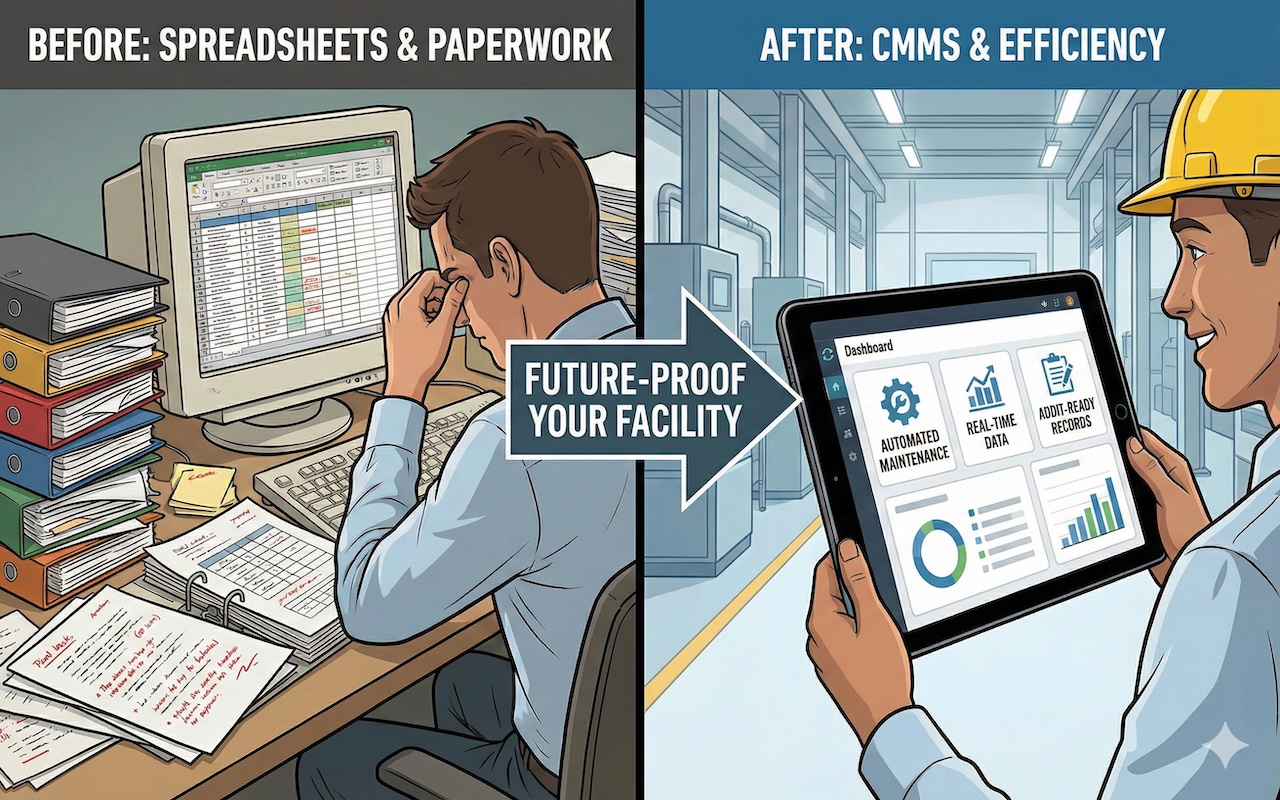
If the spine of your entire maintenance operation is still Microsoft Excel files and clipboards, you are still stuck in the past.
Your maintenance team stays sharp with their efforts so your equipment runs smoothly, but it takes a lot of elbow grease. Yes, they’re managing assets, but they’re also doing a lot to keep those records free from chaos.
You can change that with a CMMS (Computerized Maintenance Management System). This software can give your maintenance recordkeeping a necessary upgrade that will rip out the old paper system and let your team heave a sigh of relief.
Manual Spreadsheets vs. CMMS: What’s the Difference?
What is CMMS doing for organizations that spreadsheets can’t, you ask?
In a word: everything.
A spreadsheet might look neat, but it’s really just a house of cards that could fall apart at the slightest blow. Here are some scenarios to illustrate this:
- You have asked yourself, “Is that 'Maintenance Log Final Final v3' the correct one? Or did Jim update his version without telling Sarah?” Nobody knows. You spend hours hunting for the truth, and you lose trust in your own data.
- Your team members have complained about spreadsheets with mistyped numbers, columns pasted over, or crucial formulas missing. Human errors are inevitable, and one wrong date in an inventory count can shut down the whole line for an entire week.
- A tech is standing in front of a busted HVAC unit on the third floor. He needs the repair history right now. Is the history on a clipboard back in the office? Or stuck on a desktop computer? That wasted trip back and forth is wasted money.
- Your maintenance budget is in one sheet, and your parts inventory is in another. Worse still, your work orders are in a third. These systems don’t talk to each other. You can't ask a simple question like, "How many hours did we spend last month fixing the assets that used parts from Warehouse B?"
A CMMS, however, changes everything. It replaces error-prone files with a single source of truth, giving your team control over every asset.
Why Using a CMMS Means Better Days
When you use a CMMS, it wipes out the chaos of paper logs and spreadsheets and makes everyone’s life easier. Here’s how:
1. Simple to Use, Way Better Than Excel
Excel may be great for budgets, but it is not ideal for maintenance. Instead, a CMMS is custom-built for the job. The software has simple dashboards with mobile access, so no one has to go through different tabs, guessing where to log an issue. Everything is structured to mirror the typical maintenance workflow, meaning your team will get it right. Every single time.
2. Work Orders That Can Be Seen Live
Spreadsheets require manual entries, which means that people need to remember to update them and then send emails. But a CMMS doesn’t need human intervention to start a job. It instantly creates a ticket and sends it to the right technician. Managers can view updates in real time, tracking who’s working on what and when the task will be completed.
3. Accurate Data, Right At Your Fingertips
As we saw in the example scenario above, spreadsheets can be loaded with human errors, but a CMMS slams the door on mistakes. It uses simple menus and built-in checks to ensure typos are rare. Best of all, a CMMS has version control, which means no team member will ever have to wonder which file is the “final final” version!
4. Lightning-Fast Reporting
Nobody wants to spend a big chunk of their workday wrestling with data just to create a weekly/monthly report. The data, once collated, also needs to be checked for errors and misses. A CMMS lets users generate reports that cover everything from asset performance and technician productivity to downtime and maintenance costs.
5. Maintenance That Runs Itself
Say goodbye to setting service reminders on your personal phone once and for all because the CMMS can be your digital scheduler. It has built-in plans that send automatic alerts for preventive maintenance. Your machines receive their checks on time, which is the only real way to prevent those sudden, budget-wrecking breakdowns.
6. Audit-Ready Records
Always being audit-ready signals your commitment to keeping flawless, up-to-date records, but spreadsheets are already hard enough to maintain. A CMMS can update records automatically by logging every maintenance job and creating a digital history. Whenever regulators pay a visit, you don’t have to scramble to find the records, as they’re all there in your CMMS.
Don’t Wait to Future-Proof Your Facility
Moving to a CMMS is an investment because it streamlines your work by cutting out wasted time. It even gives you the clean, auditable records you need to breeze through regulatory checks without a headache.
If your team is still juggling spreadsheets, your organization is losing money every single day. Stop the drain and give your team the tool they need to turn your maintenance department into a profit center. It's time to make the switch.
Conclusion
Switching from spreadsheets to a CMMS isn’t just a software upgrade. It is a shift toward a more efficient, more profitable facility. A modern CMMS eliminates manual errors, streamlines communication, automates preventive maintenance, and gives you instant access to accurate, audit-ready records. The result? Faster workflows, fewer breakdowns, and a maintenance team that gets to focus on real work instead of paperwork. If you’re still managing your operation with disjointed files and outdated tools, now is the time to invest in a solution that truly future-proofs your facility. Your team, your equipment, and your bottom line will thank you.
Featured Image generated by Google Gemini.
Share this post
Leave a comment
All comments are moderated. Spammy and bot submitted comments are deleted. Please submit the comments that are helpful to others, and we'll approve your comments. A comment that includes outbound link will only be approved if the content is relevant to the topic, and has some value to our readers.
Comments (0)
No comment