
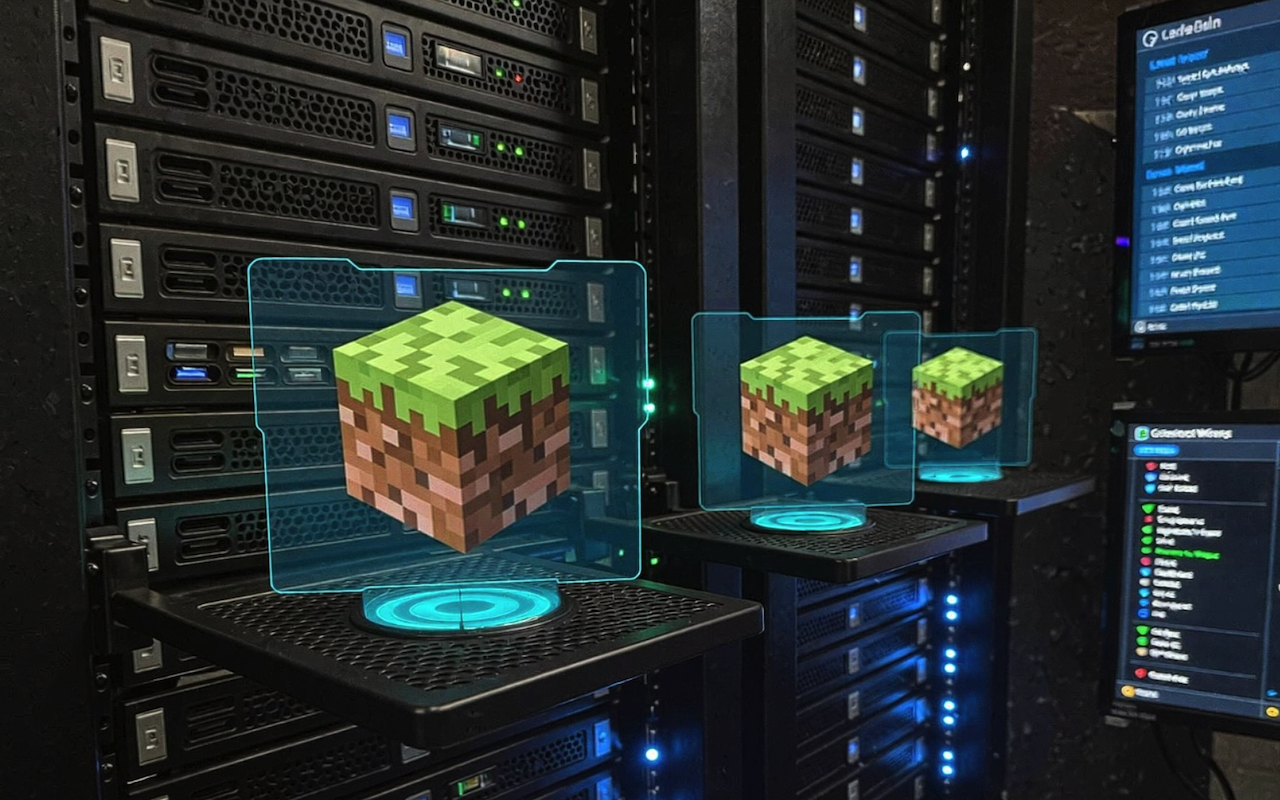
It seems easy to run a Minecraft server until your first crash during peak hours. Here's what nobody tells you: most server problems stem from basic setup mistakes, not complex technical issues.
Player Expectations vs. Reality
Players want instant connections, no lag, and their Minecraft build projects to be safe 24/7. Reality hits people in different ways. Your server has a hard time with 15 players online. Griefers may ruin months of work in a single night. That perfect Minecraft fortress someone spent weeks making? You lost it because you forgot to install one protection plugin.
What This Guide Covers
This guide cuts through the confusion. I'll tell you what really works based on running dozens of successful servers since 2015.
Setting Up Your First Minecraft Server
You have two options: either run the server yourself or pay for hosting. Both work, but which one you choose depends on what you want. When you self-host, your computer becomes the server. For 20 players, you'll need 4GB of RAM, but I've been able to get 30 with some tweaking. The real problem? Upload speed. Home internet lets you download a lot of things but not very much upload, which hurts performance. Port forwarding confuses everyone at first. You're telling your router to "send door 25565 traffic to my computer." Once you find the router settings, it only takes five minutes. New admins install every plugin right away, which makes things go wrong all the time. Since 2015, I have been running servers that do this. Begin with no more than three plugins: EssentialsX, GriefPrevention, and Vault work perfectly. Only add more when players ask for certain features. Your ideas for building in Minecraft stay safe while you keep things stable.
Tweaking for Stability
Your server.properties file controls player limits and creeper explosions. Beginners leave defaults on, and then they wonder why the things they want to build in Minecraft get destroyed. Editing this for twenty seconds saves hours of grief. Check Modrinth has optimization mods that improve performance without making setups more complicated.
Self-Hosting vs. Paid Hosting
Self-hosting puts you in control. Your computer runs everything without charging you a monthly fee. You can't change any of the settings or try out other configurations on shared hosting. But your machine stays on all the time, eating electricity while the upload speed becomes the bottleneck. Paid hosting takes away technical headaches. Overnight, support teams fix problems. Hardware upgrades happen automatically. Your server stays available even when the power goes off. Monthly bills range from $5 for basic setups to $50 or more for dedicated machines.
Choosing Hosting Based on Player Count
Five players? Easily self-hosted. Twenty players are learning how to make a house in Minecraft? Think about hosting on a budget. Fifty people making items to create in Minecraft Survival? Dedicated hosting becomes important. Testing both approaches taught me this: start self-hosting to understand how to make a beacon in Minecraft with permissions and master plugin settings. Find out what to create on the server side of Minecraft. While you test, discover cool things to construct in Minecraft. Once you feel at ease, consider upgrading to a hosting provider—ideally one recommended through community feedback. In my case, I simply chose the provider based on Reddit advice I had tried before, and it worked well enough for a growing server.
Essential Plugins Every Server Needs
Five plugins are needed for your server to work properly. Everything else is up to you. EssentialsX takes care of the basics. This one plugin does what twenty others try to accomplish separately: teleportation, warps, spawn points, and economy commands. It does matter what version you have. Get the latest from SpigotMC, not random download sites. Next is permission control. LuckPerms makes player ranks that are real and make sense. Your moderators can kick people out of the server without having to restart it. VIPs can teleport whenever they want, whereas regular players have to wait for cooldowns. The web editor saves hours compared to typing commands.
Protection and Economy Plugins
Protection stops chaos before it starts. Grief Prevention gives players golden shovels to claim land. No more stolen items or destroyed bases. Players earn claim blocks by playing, which automatically rewards loyalty. Economy transforms everything. Vault connects payment systems while ChestShop makes markets for players. Someone builds automatic farms, and another person sells enchantments. When these two work together, the server economy grows on its own. Check the rankings of popular plugins for community-tested options.
Avoiding Version Conflicts
New admins often make the mistake of installing incompatible versions, which crashes everything. First, make sure you have the right version of your server. Spigot 1.20.1 has to have the same version of the matching plugin. One old file messes up the whole setup. Before adding another plugin, test each one separately. Your server stays stable while you learn what each part really does.
Performance Optimization Tricks
Your server moves slowly at 15 TPS when it should hit 20. View distance destroys performance. Take it down from 10 to 6 pieces—TPS jumps right away. Players won't notice, but your server is breathing again. Mob caps silently kill servers. Default settings create 70 hostile mobs for each player. In bukkit.yml, cut this to 40. Entity activation ranges are also important. Animals that check in wheat 32 blocks away have processing power. Here's my trick: combine radius tweaks. Items that combine at 4 blocks instead of 2.5 stop entity buildup near farms. Experience orbs merging at 6 blocks stops grinder lag. Little things can have big effects. Always keep an eye on TPS. Below 19 means problems are brewing. Below 17 makes lag that isn't noticeable. Use the /tps command every hour. Patterns that show exactly when performance drops are what you should watch.
Mods vs. Plugins: Choosing What Works
Plugins change how the server works without making players download anything. Drop files into your folder, restart, and everyone gets new features instantly. No headaches from compatibility. Mods need to match client installations. Does the server run Forge 1.20.1? That exact version is what every player needs. The payoff? New dimensions and mechanics plugins can't do what complete gameplay transformation can do. Running servers since 2015 taught me this pattern: admins install every mod they can think of until players quit because of installation confusion. My survival server died after I needed 47 mods. I just run Modrinth plugins now. In three months, the number of players went from 12 to 85. Start with the basics and only add more complicated things when your core group agrees. Data packs change vanilla servers in a way that makes them seem great. Custom biomes, tweaked loot tables, and advancement trees—all without Bukkit or Forge. Players join as usual while the game is going on. Demographics set the course. Casual groups need plugins. Tech communities take care of mods. Mixed audiences? Data packs are perfectly balanced.
Building Your Server Community
Players stay when they feel like they own something. Give trusted members moderation roles through permission tiers. You can focus on growth while they take care of disputes. Economy rewards make goals that are easy to reach. Set up rewards for voting through connections to Vault. Players get money for helping other people, which creates positive cycles. Daily login bonuses tied to claim blocks doubled the number of people that stayed on my server. Build contests to get people involved. Winners get short-term benefits, not long-term ones. Monthly themes keep things new and interesting—like underwater bases, redstone contraptions, and medieval towns. You can talk to each other while you're not playing games. Discord channels stop the chaos. Screenshots show off creations. Trading posts link buyers and sellers. Voice chat at events makes friendships stronger than just typing. Success comes from being consistent, not from being complicated.
Conclusion
Running a Minecraft server is never just about installing software; it’s about understanding how performance, plugins, hosting choices, and community management all fit together. When you start small, learn what each setting does, and build gradually, the server becomes far more stable and enjoyable for everyone. Whether you self-host or move to paid hosting later, the real success comes from consistency, smart configuration, and listening to your players. Build your foundation well, and everything you create on top of it will last.
Disclaimer
The views and opinions expressed in this article are solely those of the author and do not necessarily reflect the views of iplocation.net. All product names, hosting providers, tools, or services mentioned are referenced for informational purposes only. iplocation.net is not affiliated with, responsible for, or liable for any decisions, actions, or outcomes resulting from their use.
Share this post
Author

Leave a comment
All comments are moderated. Spammy and bot submitted comments are deleted. Please submit the comments that are helpful to others, and we'll approve your comments. A comment that includes outbound link will only be approved if the content is relevant to the topic, and has some value to our readers.
Comments (0)
No comment